Guide · · 4 min read
A 60-second launch video checklist
Seven scenes, one message, three formats. A simple structure for product launch videos that people watch to the end.
By the TwelveAI team
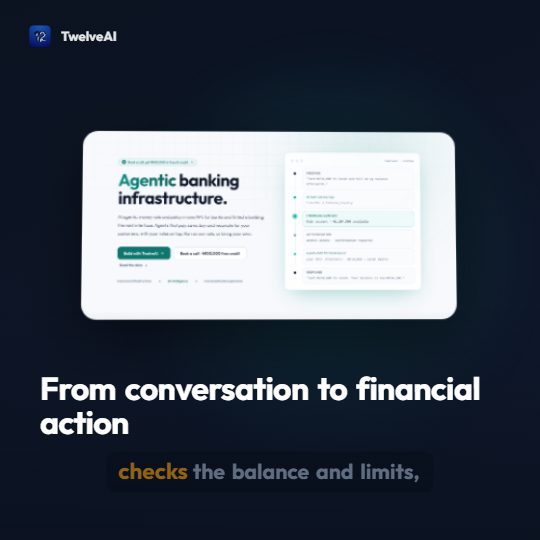
Most launch videos are too long and say too much. Here is the structure we use for our own launches, scene by scene.
The structure
- Title, 4 seconds. Product name and a one-line promise. No logo animation longer than the promise.
- The problem, 6 seconds. One sentence the viewer recognises from their own week.
- What it does, 10 seconds. Three bullets, each under eight words.
- Show it, 12 seconds. A real screenshot of the product doing the job. Not an illustration.
- Proof, 6 seconds. One number or one quote you can stand behind. Skip it if you do not have one yet.
- The detail people ask about, 8 seconds. Price, availability, or the one thing that removes doubt.
- Call to action, 5 seconds. One action and one URL.
That is about 51 seconds of scenes, which lands near 60 with transitions.
Before you render
- Every scene has narration, and every narration line is under 25 words.
- Every screenshot is current. Old UI in a launch video is worse than none.
- Prices and URLs use pronunciation tokens.
- Captions are on. Most social video is watched muted.
- You have ticked portrait as well as landscape.
After you render
Watch the portrait cut on a phone, at arm's length, with the sound off. If you can follow it like that, it is ready.
Read next
Introducing Twelve StudioMake your first launch video
Free plan, no card needed.